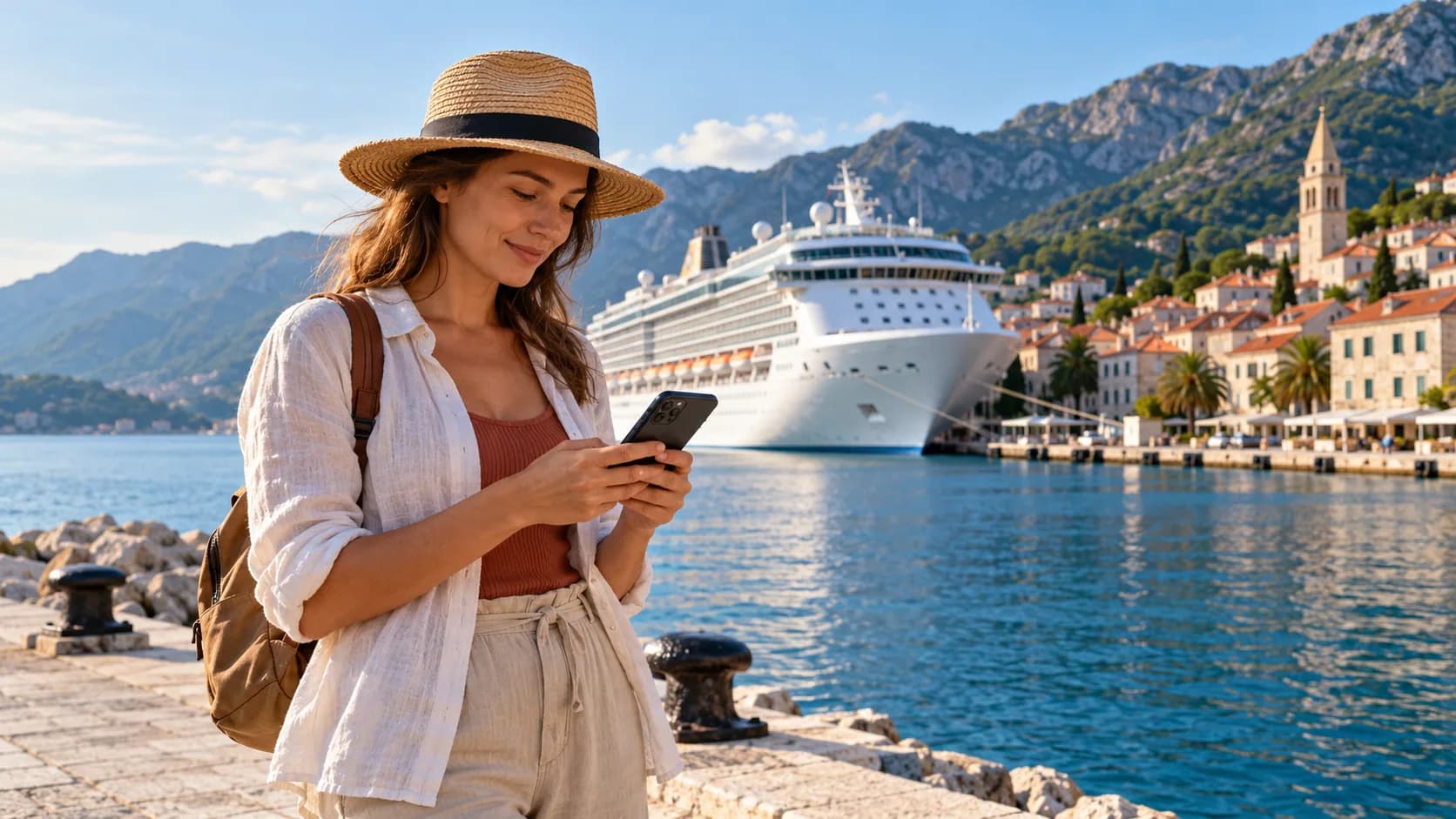
Travel eSIM for Cruise Trips: What Works in Port vs at Sea
TL;DR
Understand where a travel eSIM works on a cruise, why ports differ from open water, and how to plan mobile data, ship Wi-Fi, and carrier roaming.
A cruise itinerary can cross several countries and two very different types of connectivity. In port, your phone may connect to a local terrestrial mobile network. At sea, there may be no land tower in range, so the ship uses onboard Wi-Fi or a maritime cellular service connected through satellite systems.
That distinction matters because a normal travel eSIM is designed for supported land networks. It is not automatically a satellite plan and should not be treated as a replacement for cruise Wi-Fi or a carrier’s at-sea option.
Quick answer
A travel eSIM can work in a port when the port country is covered by the plan and your phone connects to a supported local network. Once the ship leaves land coverage, the eSIM may show no service. At sea, internet access normally comes from the ship’s Wi-Fi, while ship cellular service—when offered—is a separate maritime roaming network with its own terms and charges.
In port: your travel eSIM may work normally
When a ship is docked or close enough to shore, your phone may detect a local mobile network. If your travel eSIM covers that country, you can use it for maps, messages, ride-hailing, translation, and other ordinary mobile-data tasks.
Port coverage still depends on several details:
- The port country must be included in the plan.
- The phone must be unlocked and compatible.
- The ship may block or weaken land signals inside some areas.
- Local network congestion can be high when many passengers arrive together.
- Your phone may remain attached to the ship’s network as it departs.
Before leaving the ship, check the network name and confirm that the travel eSIM is the selected data line. The phone-settings guide explains how to avoid your Canadian line using roaming data by accident.
At sea: land mobile coverage ends
A travel eSIM normally reaches the internet through terrestrial mobile networks. In open water, those land networks are not available. The eSIM may remain installed, but installation is not the same as connectivity; it cannot connect to a tower that is out of range.
At sea, a cruise ship may offer one or both of these services:
- Ship Wi-Fi: Your phone or laptop connects to the ship’s onboard wireless network, which then reaches the internet through the ship’s satellite or other maritime backhaul.
- Ship cellular service: A maritime network on the vessel may let compatible phones use calls, texts, and data through satellite-connected equipment. This is a form of maritime roaming, not ordinary land coverage.
The exact service varies by cruise line, ship, sailing area, and plan. Norwegian Cruise Line's current connectivity FAQ distinguishes satellite-delivered Cellular at Sea from onboard Wi-Fi and lists a separate Cruise+ eSIM from GigSky for sea and land, tailored to popular NCL itineraries. It directs guests to check ship compatibility and carrier specifics. This is an NCL-specific option; confirm current availability, compatibility, and terms with the cruise line or provider. NCL's onboard packages page provides its current Wi-Fi package details. This illustrates the distinction and is not a promise about every cruise line.
Why a travel eSIM does not automatically work at sea
The word “international” can cause confusion. A travel eSIM may cover many countries, but countries are land destinations. Global or regional coverage does not automatically mean ocean coverage, a ship’s private maritime network, or a satellite connection.
Only use an at-sea eSIM if the provider explicitly names maritime or cruise connectivity, supports your ship and itinerary, and explains the network and billing terms. Do not assume a regular country, regional, or global travel eSIM includes that capability. Voyaio destination routes describe land destination plans; check the actual plan terms before relying on one for a cruise segment.
Cruise Wi-Fi, carrier roaming, or travel eSIM?
| Where you are | Most relevant connection to check | What a normal travel eSIM can do |
|---|---|---|
| Airport before embarkation | Airport Wi-Fi or land mobile network | May work if the airport country is covered |
| Docked in port | Local terrestrial mobile network | May work if the port country is covered |
| Sailing close to shore | Local network may fade; ship service may appear | Connection can change as the ship moves |
| Open water | Ship Wi-Fi or maritime cellular service | Usually not enough by itself |
| After disembarkation | Local terrestrial mobile network | May work if the next country is covered |
For a port-heavy itinerary, a regional or global travel eSIM may simplify land data. The country, regional, and global comparison explains the planning trade-offs. For the days at sea, budget separately for the ship’s connectivity options or plan to be offline.
If you are deciding between ship Wi-Fi and a travel eSIM for port days, see travel eSIM vs cruise Wi-Fi for a side-by-side of where each option works and what it covers.
Working or taking video calls from a ship
Ship Wi-Fi can be useful, but performance may vary with location, weather, ship load, satellite conditions, and the package’s restrictions. Latency can be more noticeable than on land. VPNs, corporate security tools, video calls, and screen sharing may work differently or be limited by the ship network.
If you must work during the sailing:
- Ask the cruise line whether its Wi-Fi package supports VPNs and video conferencing.
- Ask your employer whether the corporate VPN works over the ship network.
- Download files and meeting materials before leaving port.
- Schedule important calls for a time and place where the ship reports better connectivity.
- Keep a realistic offline work plan in case the link is slow or unavailable.
Do not use the ship’s cellular network casually until you know how your Canadian carrier treats maritime roaming. Cruise cellular service can be billed separately from land roaming and may have different terms. Check the carrier’s current cruise policy directly rather than relying on an old price or a general travel pass description.
A cruise connectivity checklist
Before embarkation:
- List every country and port on the itinerary.
- Check which ports are covered by your chosen travel eSIM.
- Install the eSIM over Wi-Fi and label it clearly.
- Decide when the Canadian line should be off, on, or limited to specific functions.
- Confirm whether the ship offers Wi-Fi and whether it supports the apps you need.
- Download maps, tickets, boarding documents, and emergency information.
- Save the cruise line’s connectivity instructions offline.
When leaving a port, watch the network indicator. If the phone switches to a ship network, turn off mobile data or use airplane mode with Wi-Fi enabled unless you have intentionally purchased and enabled an at-sea service.
Bottom line
Use a travel eSIM for supported land coverage in ports. Use ship Wi-Fi or a specifically documented maritime cellular service for open-water connectivity. The most important cruise-planning step is to treat the port segment and the at-sea segment as two different connectivity environments, with separate coverage, performance, and billing rules.
For island-hopping trips by passenger ferry, read how a travel eSIM works between islands and ports.
Frequently asked questions
Will a travel eSIM work on a cruise ship at sea?
Usually not through ordinary land mobile coverage. Once the ship leaves a port, use ship Wi-Fi or a clearly documented maritime service unless your plan specifically supports at-sea connectivity.
Can I use my travel eSIM in cruise ports?
Often, yes, if the port country is included in the plan and the phone connects to a supported local network. Check each port rather than assuming the entire itinerary is covered.
Should I turn off data roaming on a cruise?
Keep data roaming off on your Canadian line if you want to avoid carrier roaming charges. Follow the travel eSIM provider's instructions for the travel line, and disable mobile data at sea unless you understand the ship network and its billing.
Is cruise Wi-Fi better than a travel eSIM?
They serve different parts of the trip. Cruise Wi-Fi is the relevant option at sea, while a travel eSIM is usually more useful for maps, messages, and bookings when you are in port.